How it works
Set up in person. Simple from then on.
Smart Tap Local is deliberately straightforward. Here is the whole thing, start to finish.
01
We set it up
We visit you, take the links you already have — your Google review link, Tripadvisor, Instagram, Facebook, your website — and build your page. If you would like a photo of the business on it, we can take one there and then.
02
We place your tap point
A small tap point goes wherever it suits you: the counter, the till, a table, the front desk. You can have more than one.
03
Customers tap
A customer holds their phone near it. Your page opens in their browser straight away. There is no app to download and nothing to install.
04
They choose an action
They see your business name and large buttons for the places you chose. They tap one and go straight there.
05
We test it with you
Before we leave, we test it on a phone together so you know exactly what your customers will see.
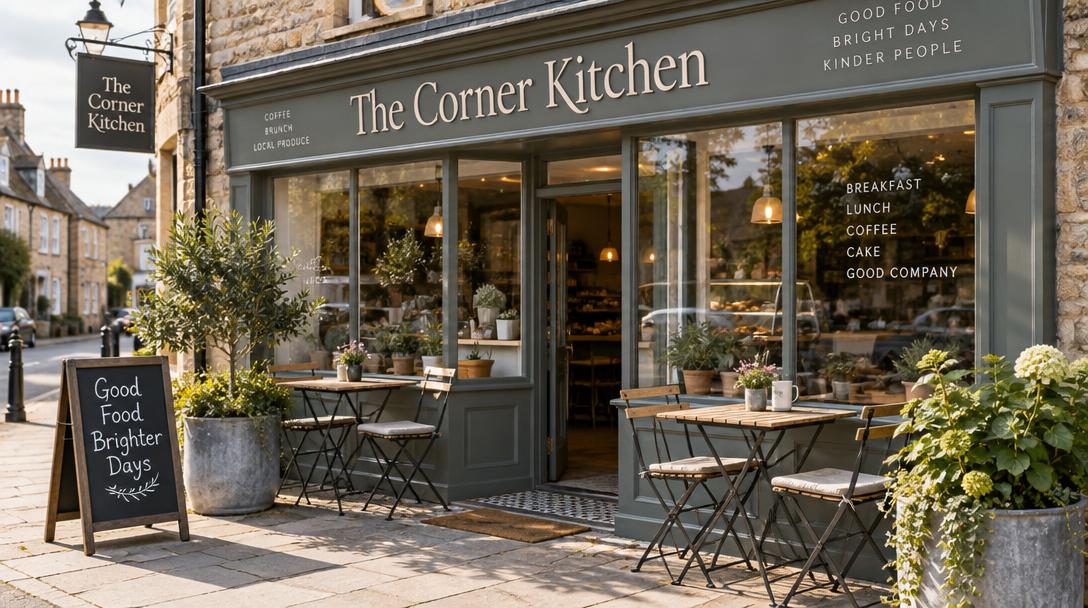
The Corner Kitchen
Choose where you'd like to go
Powered by Smart Tap Local
An example of what a customer sees after tapping.